
Form filling auto typing software For All Data Entry Works.
Auto Typing software for data entry projects.
Data entry auto typing software is user-friendly.
By using the auto typing tool, Easily complete the typing work.
Data entry project work is too much time-consuming by manual typing.
Auto typing software can types like manual typing and get good accuracy.
Using auto typer is the way of time-saving and completing works in time.
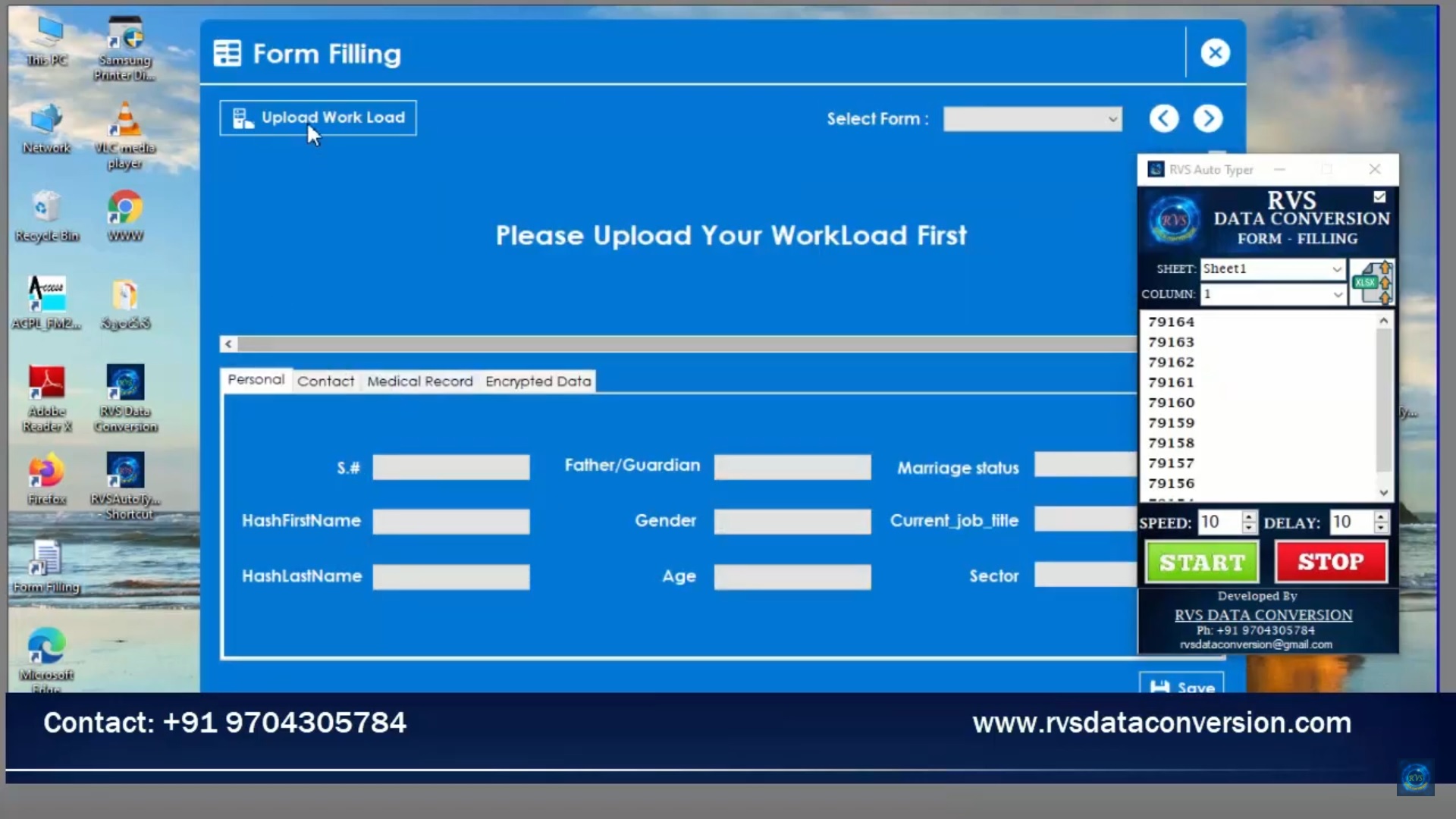
Form Filling Auto Typing Software Video
Process Of Auto Typing Software:
We Convert all forms filling jpg, Jpeg, Png, Tiff, PDF, and encrypted images into excel.
Auto typer takes the data from excel and enters it into your client software.
Steps Of Auto Typing-
Open Auto typing software.
Upload image to excel converted Data file.
Open Data entry form filling.
Select the required form in the auto typing tool.
Click on the start button and keep the cursor in the starting box of client software.
Auto Typing software types the data like manual typing.
While typing don’t touch the keyboard and mouse until the full form is complete.
After Auto Typing is completed by software, once check all typed data.
If Any spell error or space error, you should correct it manually and save it.

Contact: RVS DATA CONVERSION
Mobile: +91 9704305784
Gmail: rvsdataconversion1@gmail.com
Website:https://rvsdataconversion.com/
Twitter:https://twitter.com/data_rvs
Reddit:https://www.reddit.com/user/rvsdataconversion
https://www.facebook.com/RVS-Data-Conversion-113972776963657
Tumbler:https://www.tumblr.com/blog/rvsdataconversion
Pinterest:https://in.pinterest.com/rdataconversion/pins/
Vk:https://vk.com/wall595332126?own=1
Linked IN:https://www.linkedin.com/in/rvs-data-8b28071a8/detail/recent-activity/
Instagram:https://www.instagram.com/rvsdataconversion/
Kakao Account:https://story.kakao.com/_93h2S8
mix:https://mix.com/rvsdataconversion/
Goo: https://blog.goo.ne.jp/form-filling-auto-typer
Save your valuable time by using Auto typing tool.